
WinLion Casino App for Canada: How to Install It on iPhone and Android
Here's something that trips people up: you type "WinLion app" into the App Store, scroll for a while, and nothing. Google Play, same story. Before you decide the casino got pulled, relax. It was never there. The wider story is in these Win Lion questions answered. WinLion runs as a progressive web app instead, which is a fancy way of saying the website sits on your home screen and acts like an app. Below is how to set it up, what you gain and lose compared with a normal tab, and why you should ignore anyone selling you an "APK".
So is there an app or not?
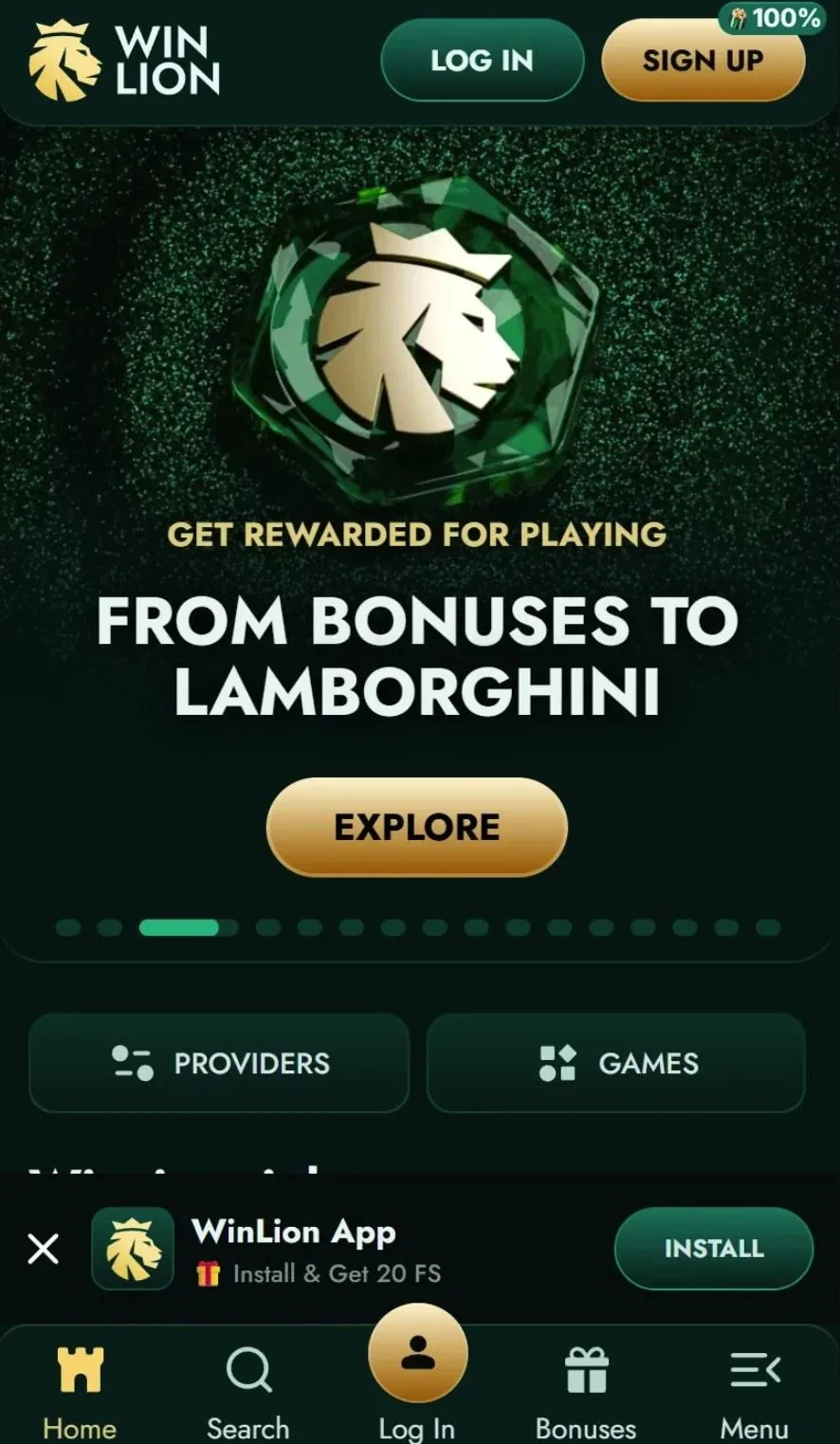
Not a store one. What exists is a PWA: the same casino, but pinned to your phone with its own icon, opening full screen without the browser bar. Lobby, cashier and live chat all come along. Nothing to update either, since you're always looking at the current site.
The trade is simple. You skip a heavy download and the store's approval queue, but you need a connection, and it can't sit in the background pinging you like a native app would. Honestly, for a casino that second part is probably a feature.
iPhone: Safari, then Share
Use Safari for this one, because other iPhone browsers can be awkward about it. Open the casino site, tap the Share icon at the bottom, scroll the menu until you see "Add to Home Screen", tap it, then tap Add. Done. The icon appears with your other apps.
Android: Chrome menu
Over on Android the route goes through Chrome. Tap the three dots up in the corner, look for "Add to Home screen" (older versions) or "Install app" (newer ones), and say yes to the prompt. Samsung Internet and a few other browsers tuck the same option into their menus, so if you don't use Chrome it's worth a quick look around.
About those 10 free spins
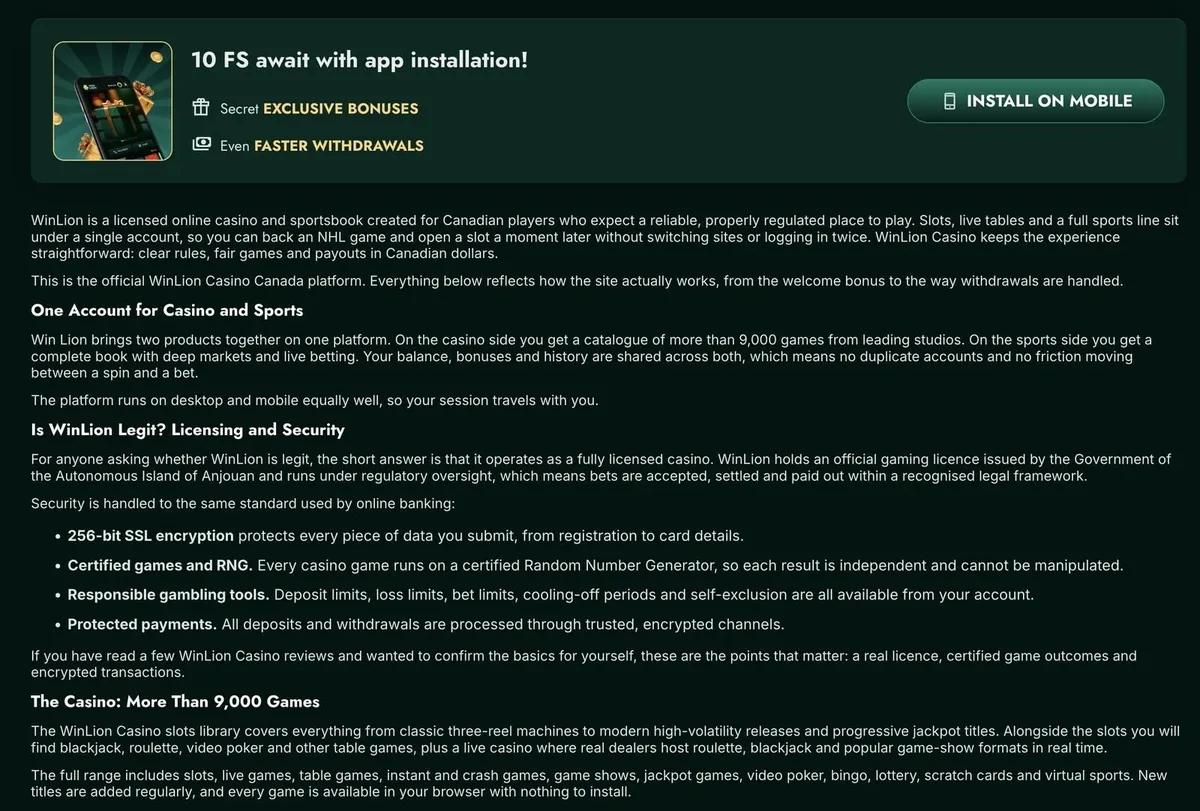
WinLion gives 10 free spins for adding the site to your home screen, which is a nice little thank you for thirty seconds of effort. Free spins have conditions, though, and winnings from this offer are capped at C$100, so read the offer terms before you spin. If nothing arrives, live chat is open around the clock, and support can look into it.
What you can do on your phone
More or less everything the desktop site does. The lobby, the slot search, the live casino, the cashier and support chat are all there, and since the account is in Canadian dollars nothing gets converted when you deposit. Keep in mind that a bonus needs at least C$30 down, while the smallest withdrawal is C$50.
Cashing out from a phone raises the same questions as anywhere else, so here's how it works (full detail on the WinLion withdrawals page): up to C$1,500 a day, C$3,000 a week and C$12,000 a month, with the casino processing a request inside 24 hours and Interac then adding 1–3 business days. The first payout is the slow one, because the ID check happens then, so documents are best uploaded on day one instead of waiting for a withdrawal to sit pending.
Bonuses on mobile follow the same rules
The welcome package is 400% up to C$1,500 plus 240 free spins over four deposits, with 40× wagering and 14 days to clear it. While a bonus is live, no single bet can go above C$7.50, and a phone doesn't change that, so don't go looking for a loophole. Slots count 100% toward wagering, instant games 20%, table games and video poker 5% and roulette nothing, which makes slots the natural pick on a small screen. The slots guide covers providers and Bonus Buy.
Never download an APK
Okay, this bit matters. No store app means a few sketchy sites fill the gap with a "WinLion APK", or a "mod" promising a bigger bonus, and every one of those is a trap. Why? A file from nowhere can hide malware, siphon off your login or wreck the phone, and real bonuses never depend on sideloading anything. Same with messages from "support" that say you have to install something first. Type the address by hand, or tap the icon you made from the genuine site.
Boring but useful: keep a screen lock on, think before paying on public Wi-Fi, and don't give your password or a verification code to anybody, including people who say they're from the casino.
When something goes wrong
Missing icon? Add it again from the casino's own site. Pages crawling along? Shut a few apps, check your signal, refresh. Site looks out of date? Clear the browser cache, then reopen it. And if that all fails, live chat can see your account, while [email protected] is better when you want things in writing.
Licence, and keeping it healthy
Who's behind it? Keron Systems LTD, under an Anjouan licence. The casino isn't registered with iGaming Ontario, so if you live in Ontario give that real thought before depositing, and remember your province sets the legal age. With a phone, gambling is always one tap away, so put a deposit limit in place before your first spin, stick to money you can afford to lose, and ask support about breaks or self-exclusion when it stops being fun. Want to talk to someone? ConnexOntario (1-866-531-2600), Gambling Support BC (1-888-795-6111) and Quebec's helpline (1-800-461-0140) are free and confidential.
Quick answers
No. It's a progressive web app you add to your home screen from the browser.
No. Adding it is free and barely uses any storage.
Yes, 10 free spins for adding the site to your home screen. Winnings from this offer are capped at C$100.
There's no official APK. Treat any file sold as one as a risk.
Yes. Same cashier, C$50 minimum, same limits.
Yes. Open the site in Safari, tap Share, then "Add to Home Screen".